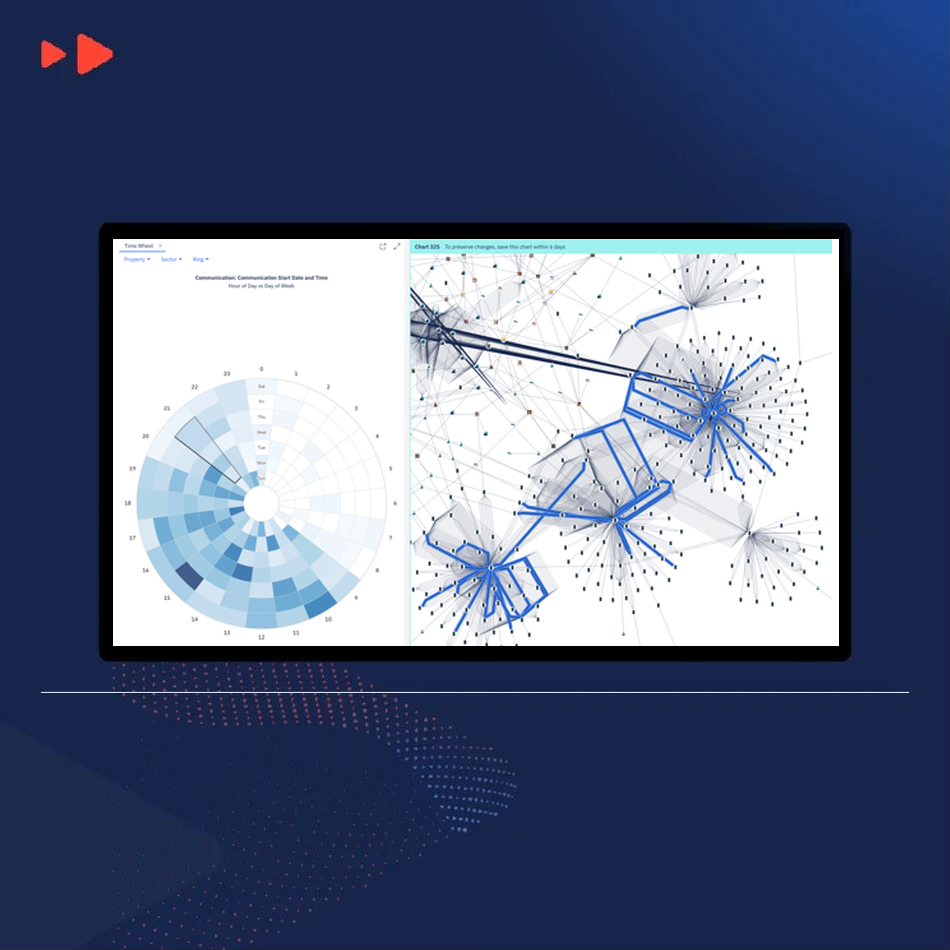
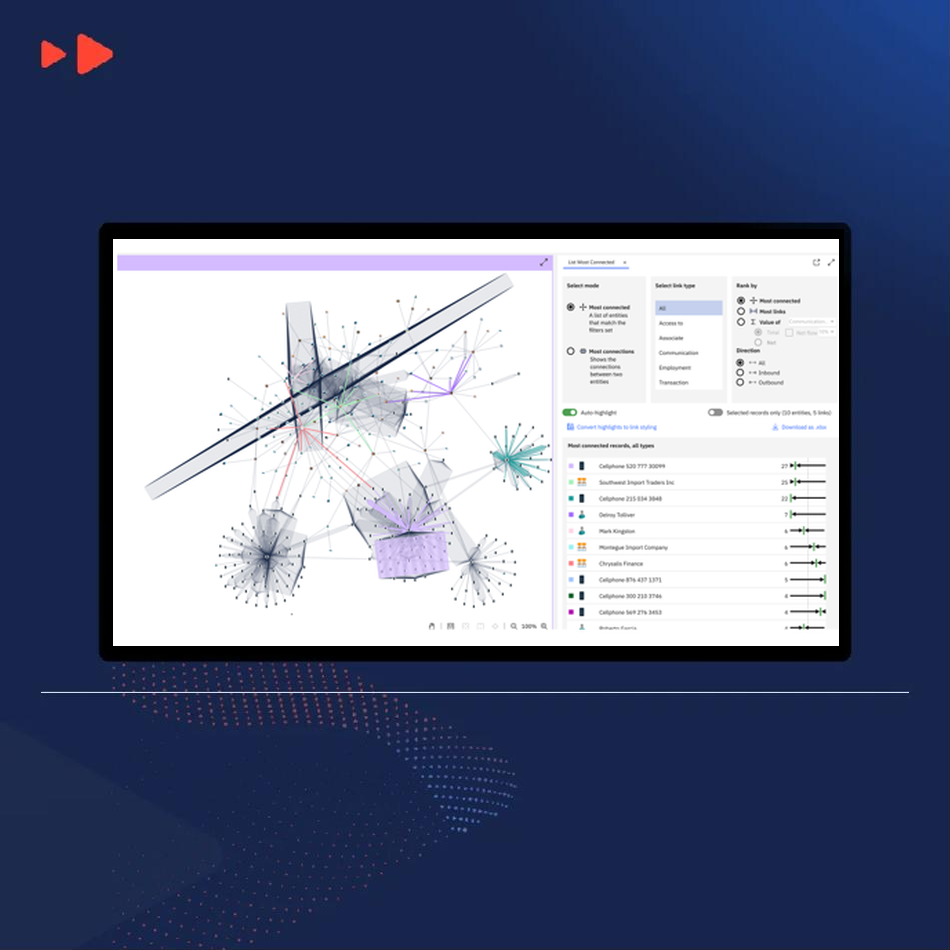
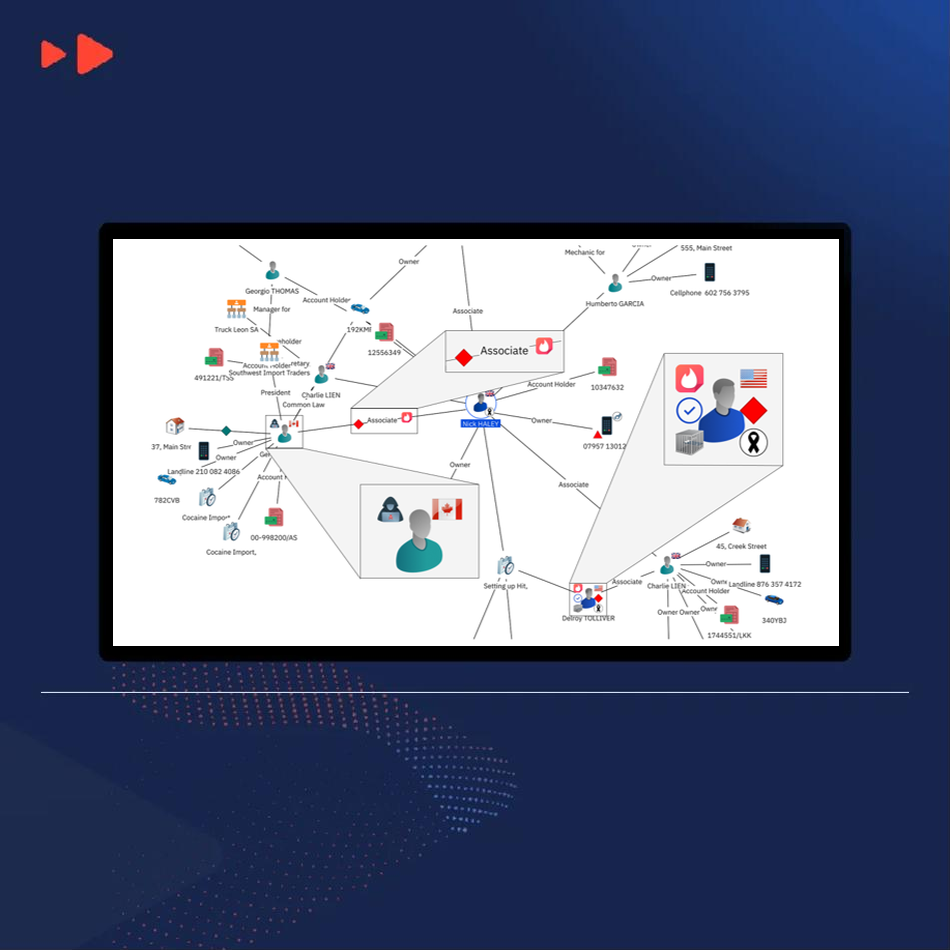
Bring more data into your investigations, extract relevant information from documents and see connections more clearly.
The November 2026 release introduces enhancements across the i2 portfolio, including improved data processing, richer web-based visual analysis and geospatial intelligence capabilities.
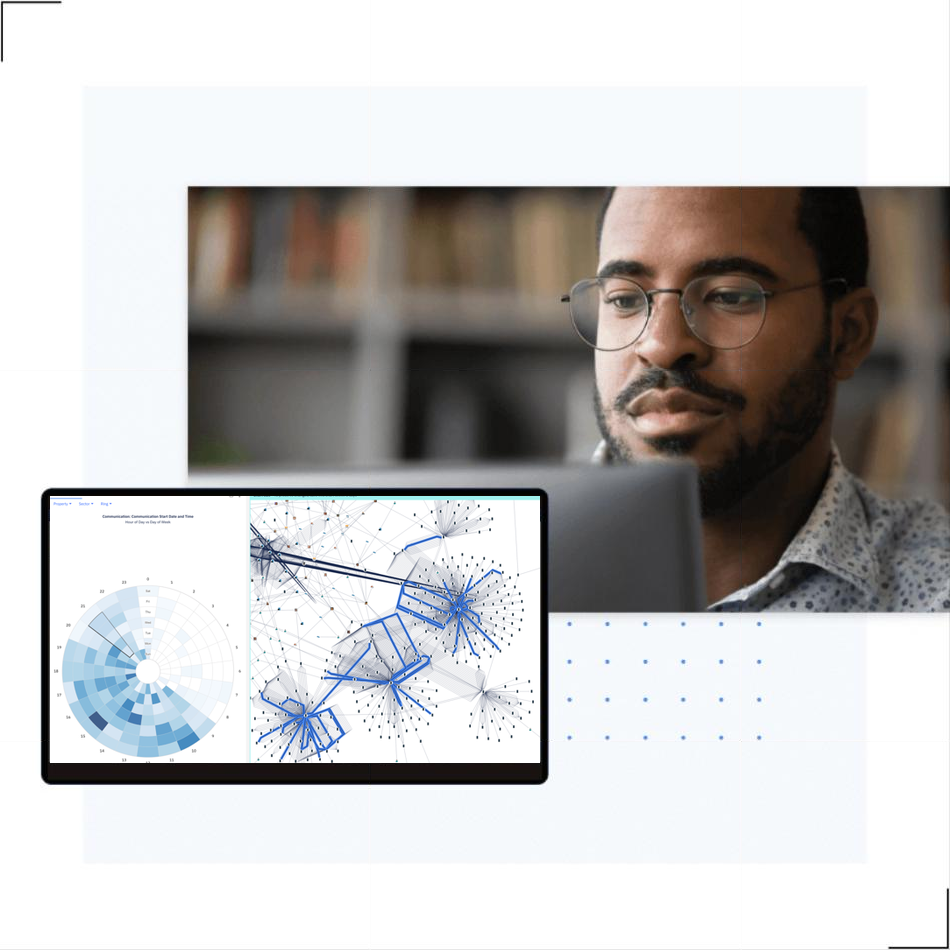
New and updated i2 Insights recipes and capabilities support the analysis of telecoms, forensic and financial data.
Updated telecoms and forensic recipes help analysts work with operational data with less preparation.
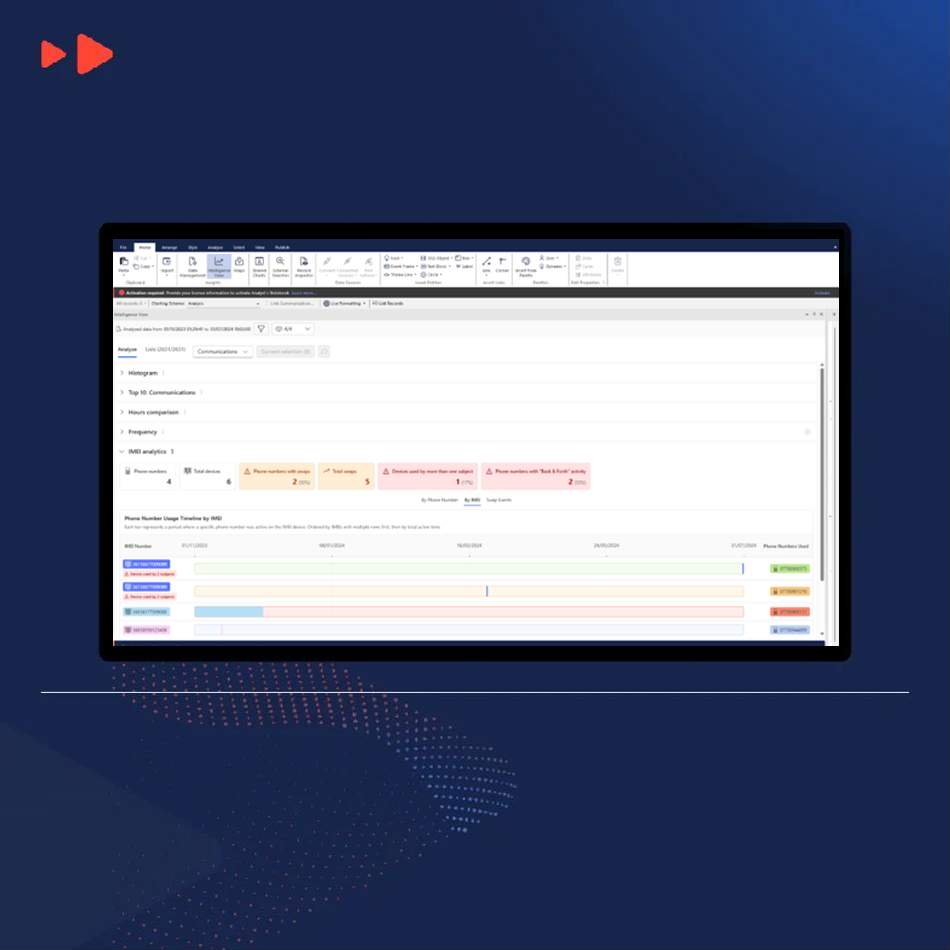
New IMEI and IMSI analytics help examine devices, subscribers and their relationships.
Enhanced workflows help analysts process financial data and examine potential connections.
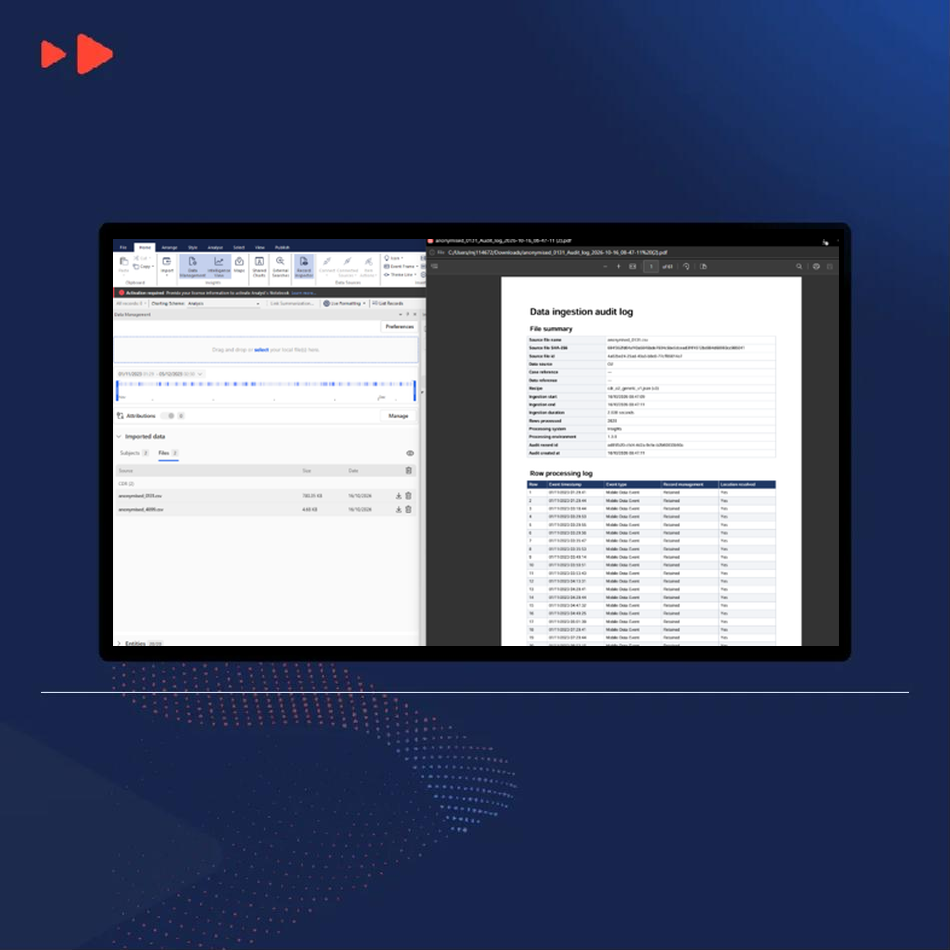
A new data audit feature helps maintain greater visibility into data processing, supporting accountability and oversight.
Identify people, organizations, addresses and vehicles in complex documents.
TextChart combines neural network-based entity recognition with rules-based analysis to improve how information is identified and extracted.
Analysts can extract entities more accurately and spend less time reviewing documents manually.
Available as part of Analysis Studio and Analysis Hub, i2 Analyst's Notebook Web is our browser-based visual analysis tool that provides convenient and immediate access to foundational analytical tools.
Users are now able to group items on a chart, improving readability and organization. These grouping can then be collapsed to reduce visual clutter and to minimize the number of items displayed.
Users can set, edit, and reset labels right on the chart surface, allowing them to replace existing labels or revert to default labels.
Users can expect a remodelled ribbon, now broken down into intuitive tabs to improve useability, navigation and discoverability.
As with i2 Analyst's Notebook, a further 70 new icons have been included to address contemporary issues.
Swipe or scroll sideways to see all three →
Create military symbols, work with authoritative mapping sources and retain geospatial context when sharing charts.
Find, apply and update symbols with the improved Quick Symbol Creator.
Retain military symbology when storing and sharing charts through iBase and i2 Analyze.
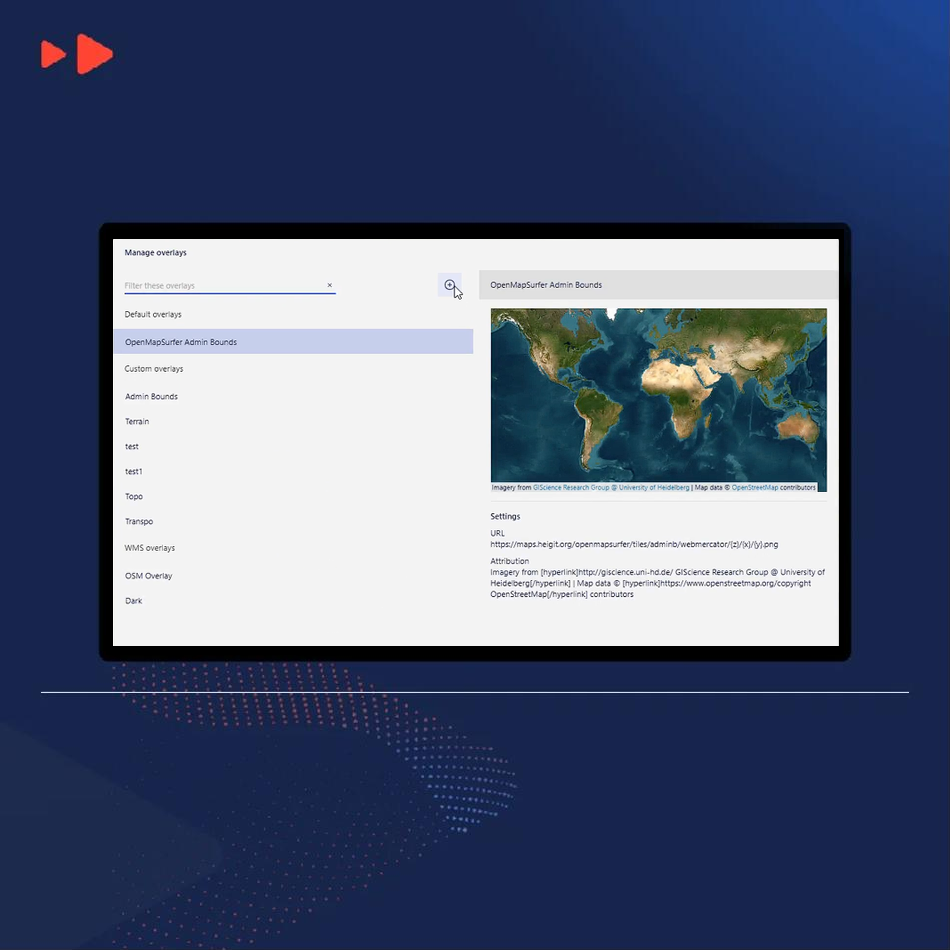
Access authoritative maps through Web Map Service (WMS) and use Military Grid Reference System (MGRS) coordinates across desktop and web environments.

In-depth documentation on all our software can be found in our support portal
How our solutions have helped deliver real-world results.







© 2026 i2 Group / N. Harris Computer Corporation. All trademarks owned by N. Harris Computer Corporation.
1 Cambridge Square, Milton Avenue, Cambridge, CB4 0AE, UK